
heres the code
import turtle
import math
import colorsys
# Setup
screen = turtle.Screen()
screen.bgcolor(“black”)
screen.title(“Geometric Harmony”)
screen.tracer(0)
t = turtle.Turtle()
t.hideturtle()
t.speed(0)
# Configuration
num_shapes = 12
angle = 0
colors = []
# Generate colors as hex strings
for i in range(360):
h = i / 360
s = 0.8
l = 0.5 + 0.3 * math.sin(i * 0.05)
r, g, b = colorsys.hls_to_rgb(h, l, s)
r, g, b = int(r*255), int(g*255), int(b*255)
colors.append(f“#{r:02x}{g:02x}{b:02x}”)
def draw_polygon(x, y, sides, size, rot, color_idx):
“””Draw a rotated polygon at given position”””
t.penup()
t.goto(x, y)
t.setheading(rot)
t.pendown()
t.color(colors[color_idx % 360])
t.pensize(2)
for _ in range(sides):
t.forward(size)
t.left(360 / sides)
t.penup()
def draw_rose_curve():
“””Draw mathematical rose curves (polar coordinates)”””
global angle
t.clear()
for ring in range(3):
r_offset = ring * 80
petals = 5 + ring * 2
for i in range(0, 360, 3): # Skip steps for speed
# Rose curve formula: r = a * cos(k * theta)
k = petals
r = (r_offset + 30) * math.cos(k * math.radians(i))
# Add wave perturbation
r += 15 * math.sin(math.radians(i * 3) + angle)
x = r * math.cos(math.radians(i) + angle * 0.5)
y = r * math.sin(math.radians(i) + angle * 0.5)
color_idx = (i * 2 + ring * 60 + int(angle * 20)) % 360
t.goto(x, y)
t.dot(3, colors[color_idx])
# Draw rotating hexagons
for i in range(num_shapes):
rot = i * (360 / num_shapes) + angle * 30
dist = 100 + 50 * math.sin(angle * 2 + i)
x = dist * math.cos(math.radians(i * 30 + angle * 20))
y = dist * math.sin(math.radians(i * 30 + angle * 20))
color_idx = (i * 30 + int(angle * 15)) % 360
draw_polygon(x, y, 6, 30, rot, color_idx)
# Draw connecting lines
t.penup()
for i in range(num_shapes):
x1 = 100 * math.cos(math.radians(i * 30 + angle * 20))
y1 = 100 * math.sin(math.radians(i * 30 + angle * 20))
x2 = 100 * math.cos(math.radians((i + 1) * 30 + angle * 20))
y2 = 100 * math.sin(math.radians((i + 1) * 30 + angle * 20))
t.goto(x1, y1)
t.pendown()
t.color(colors[(i * 30) % 360])
t.goto(x2, y2)
t.penup()
angle += 0.03
screen.update()
screen.ontimer(draw_rose_curve, 16)
# Start
draw_rose_curve()
screen.mainloop()
i know what most of it dose but the math is where i asked ai for help its super complacted and heres what it dose
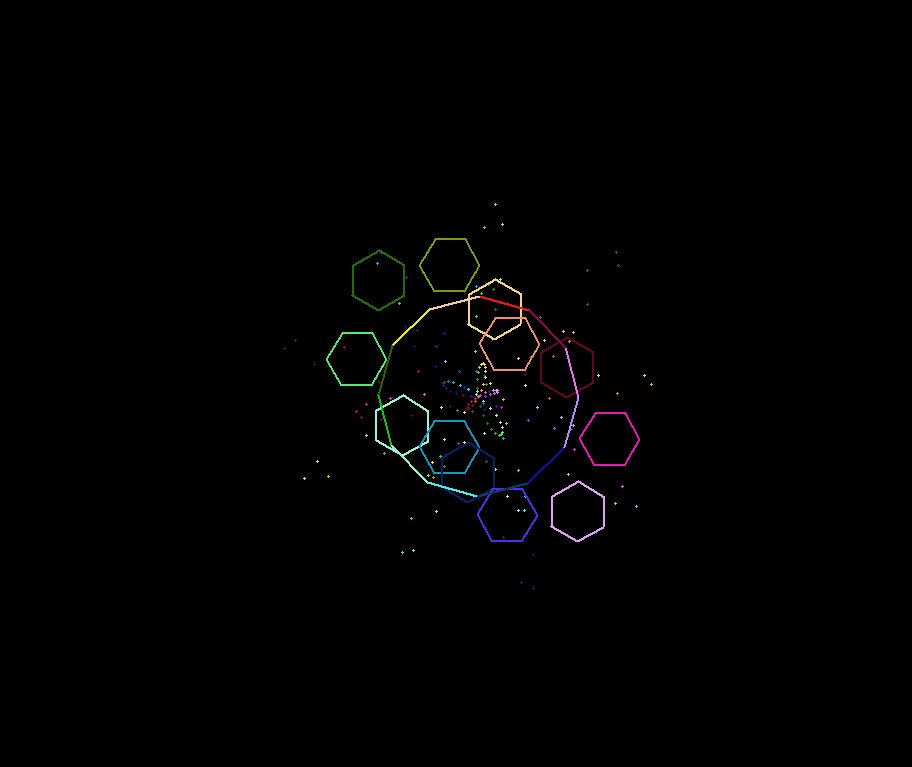
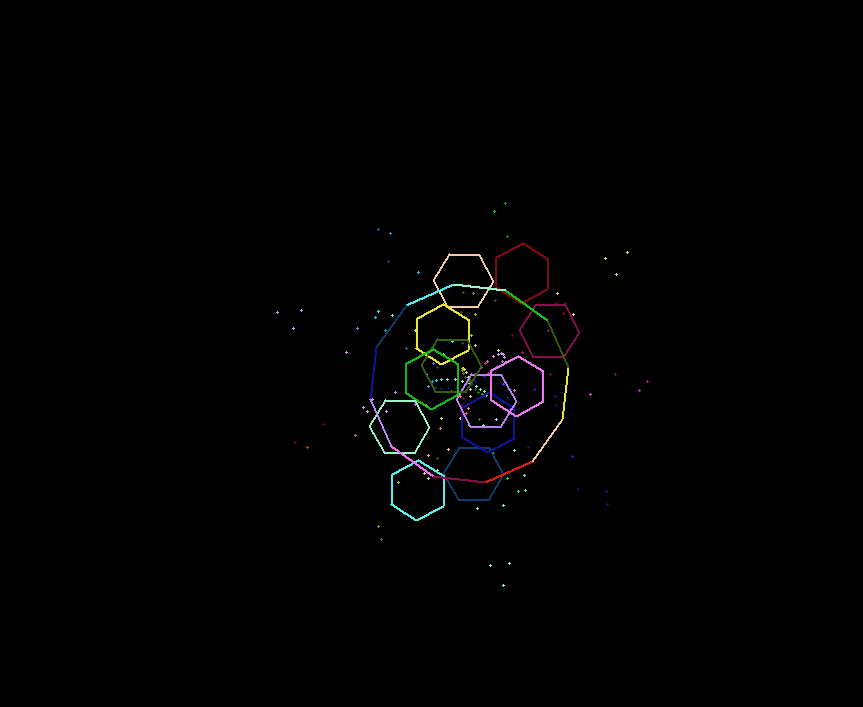
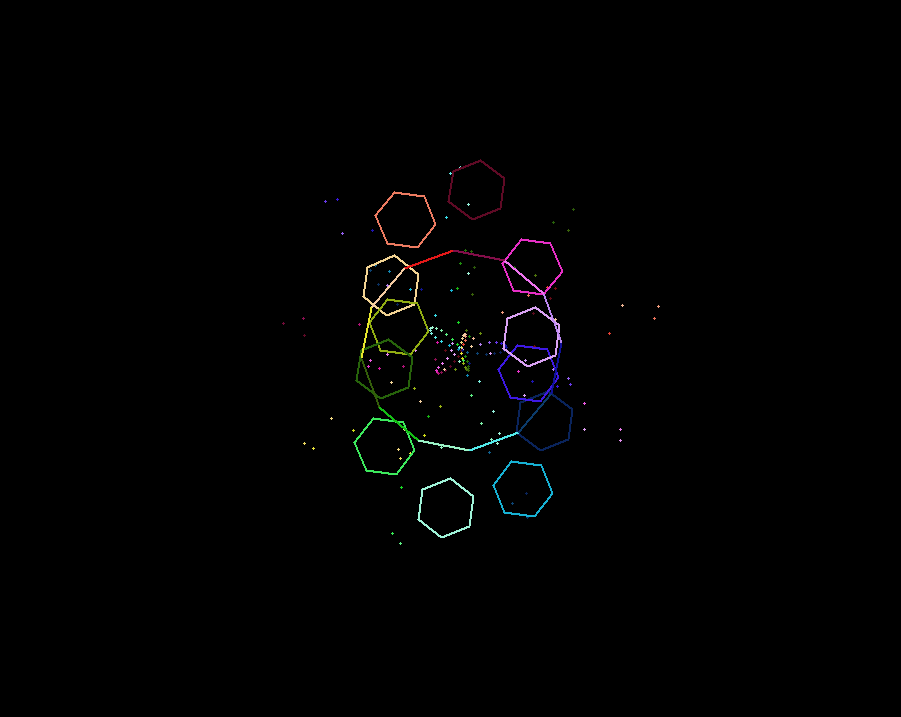
it moves over time and it JUST LOOKS SUPER COOL