
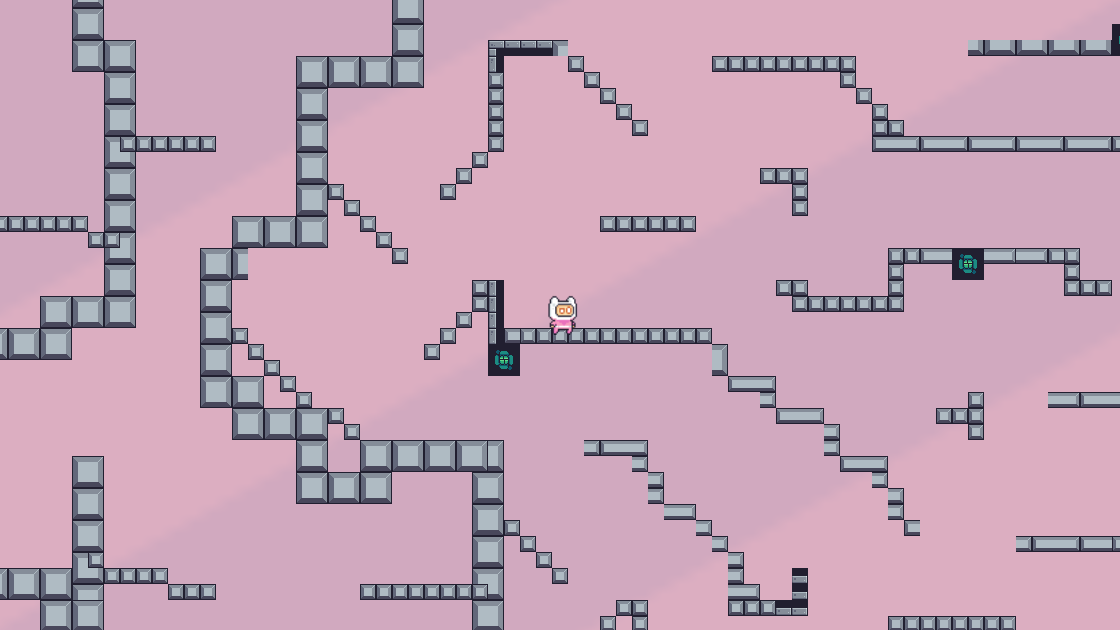
Python Platform

Today I tried VS Code platform game from a tutorial
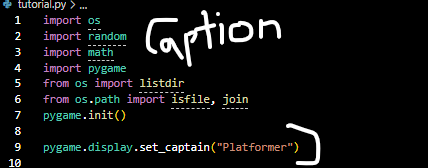
I first started with importing [ pygame and Os ] that helps so I don’t have to manually type out the file, images and spritesheet.
The [ pygame.display ] helps to set the caption at the top of the window.
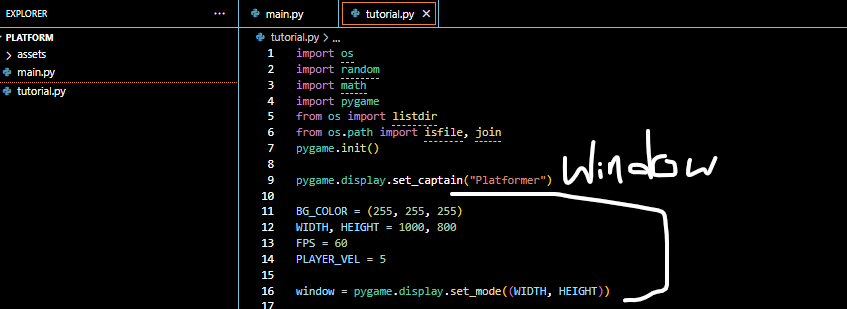
This code basically sets the how the window is seen like the colors and height.
[ FPS is the frames per second ] [ PLAYER_VEL code is how fast the player moves on the screen ]
The window [ pygame.display ] helps to put the window on the screen.
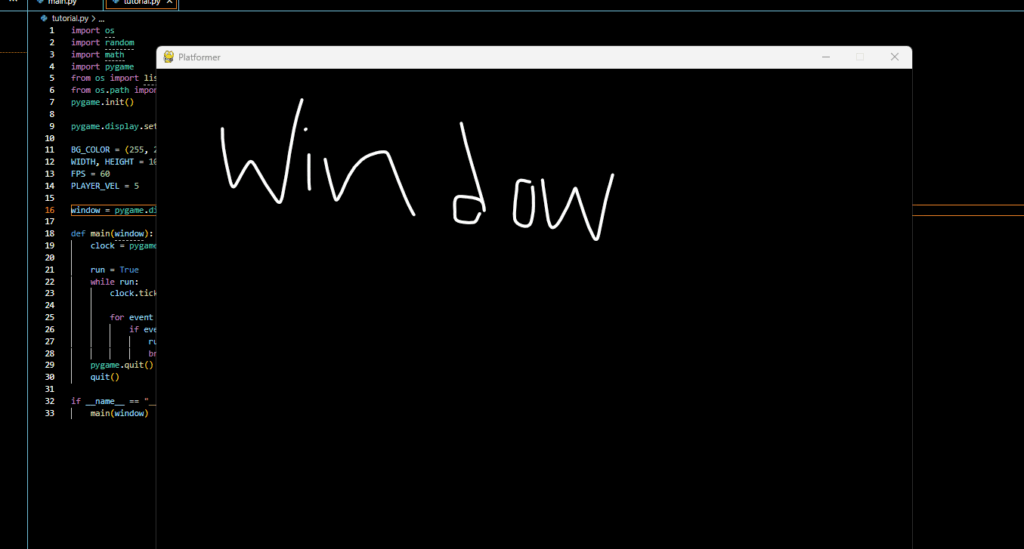
This is the window that appears when finished
[ I lost most of my time trying to work the godot because it was restricted and i choose to do pygame instead ]
Leave a Reply