Today I used a tutorial to make ALL of flappy bird
THIS IS THE CODE
import pygame
from pygame.locals import *
import random
pygame.init()
clock = pygame.time.Clock()
fps = 60
screen_width = 864
screen_height = 936
screen = pygame.display.set_mode((screen_width, screen_height))
pygame.display.set_caption(‘POLLUTION BIRD’)
#define font
font = pygame.font.SysFont(‘Bauhaus 93’, 60)
#define colours
white = (255, 255, 255)
#define game variables
ground_scroll = 0
scroll_speed = 4
flying = False
game_over = False
pipe_gap = 150
pipe_frequency = 1500 #milliseconds
last_pipe = pygame.time.get_ticks() – pipe_frequency
score = 0
pass_pipe = False
#load images
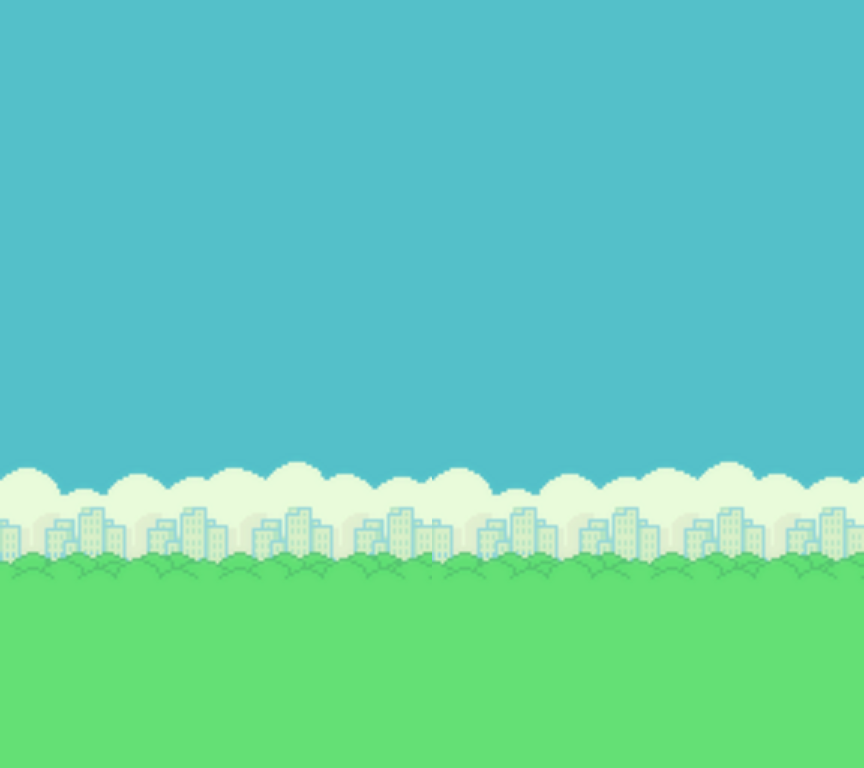
bg = pygame.image.load(‘bg.png’)
ground_img = pygame.image.load(‘ground.png’)
button_img = pygame.image.load(‘restart.png’)
#function for outputting text onto the screen
def draw_text(text, font, text_col, x, y):
img = font.render(text, True, text_col)
screen.blit(img, (x, y))
def reset_game():
pipe_group.empty()
flappy.rect.x = 100
flappy.rect.y = int(screen_height / 2)
score = 0
return score
class Bird(pygame.sprite.Sprite):
def __init__(self, x, y):
pygame.sprite.Sprite.__init__(self)
self.images = []
self.index = 0
self.counter = 0
for num in range (1, 4):
img = pygame.image.load(f”bird{num}.png”)
self.images.append(img)
self.image = self.images[self.index]
self.rect = self.image.get_rect()
self.rect.center = [x, y]
self.vel = 0
self.clicked = False
def update(self):
if flying == True:
#apply gravity
self.vel += 0.5
if self.vel > 8:
self.vel = 8
if self.rect.bottom < 768:
self.rect.y += int(self.vel)
if game_over == False:
#jump
if pygame.mouse.get_pressed()[0] == 1 and self.clicked == False:
self.clicked = True
self.vel = -10
if pygame.mouse.get_pressed()[0] == 0:
self.clicked = False
#handle the animation
flap_cooldown = 5
self.counter += 1
if self.counter > flap_cooldown:
self.counter = 0
self.index += 1
if self.index >= len(self.images):
self.index = 0
self.image = self.images[self.index]
#rotate the bird
self.image = pygame.transform.rotate(self.images[self.index], self.vel * -2)
else:
#point the bird at the ground
self.image = pygame.transform.rotate(self.images[self.index], -90)
class Pipe(pygame.sprite.Sprite):
def __init__(self, x, y, position):
pygame.sprite.Sprite.__init__(self)
self.image = pygame.image.load(“pipe.png”)
self.rect = self.image.get_rect()
#position variable determines if the pipe is coming from the bottom or top
#position 1 is from the top, -1 is from the bottom
if position == 1:
self.image = pygame.transform.flip(self.image, False, True)
self.rect.bottomleft = [x, y – int(pipe_gap / 2)]
elif position == -1:
self.rect.topleft = [x, y + int(pipe_gap / 2)]
def update(self):
self.rect.x -= scroll_speed
if self.rect.right < 0:
self.kill()
class Button():
def __init__(self, x, y, image):
self.image = image
self.rect = self.image.get_rect()
self.rect.topleft = (x, y)
def draw(self):
action = False
#get mouse position
pos = pygame.mouse.get_pos()
#check mouseover and clicked conditions
if self.rect.collidepoint(pos):
if pygame.mouse.get_pressed()[0] == 1:
action = True
#draw button
screen.blit(self.image, (self.rect.x, self.rect.y))
return action
pipe_group = pygame.sprite.Group()
bird_group = pygame.sprite.Group()
flappy = Bird(100, int(screen_height / 2))
bird_group.add(flappy)
#create restart button instance
button = Button(screen_width // 2 – 50, screen_height // 2 – 100, button_img)
run = True
while run:
clock.tick(fps)
#draw background
screen.blit(bg, (0,0))
pipe_group.draw(screen)
bird_group.draw(screen)
bird_group.update()
#draw and scroll the ground
screen.blit(ground_img, (ground_scroll, 768))
#check the score
if len(pipe_group) > 0:
if bird_group.sprites()[0].rect.left > pipe_group.sprites()[0].rect.left\
and bird_group.sprites()[0].rect.right < pipe_group.sprites()[0].rect.right\
and pass_pipe == False:
pass_pipe = True
if pass_pipe == True:
if bird_group.sprites()[0].rect.left > pipe_group.sprites()[0].rect.right:
score += 1
pass_pipe = False
draw_text(str(score), font, white, int(screen_width / 2), 20)
#look for collision
if pygame.sprite.groupcollide(bird_group, pipe_group, False, False) or flappy.rect.top < 0:
game_over = True
#once the bird has hit the ground it’s game over and no longer flying
if flappy.rect.bottom >= 768:
game_over = True
flying = False
if flying == True and game_over == False:
#generate new pipes
time_now = pygame.time.get_ticks()
if time_now – last_pipe > pipe_frequency:
pipe_height = random.randint(-100, 100)
btm_pipe = Pipe(screen_width, int(screen_height / 2) + pipe_height, -1)
top_pipe = Pipe(screen_width, int(screen_height / 2) + pipe_height, 1)
pipe_group.add(btm_pipe)
pipe_group.add(top_pipe)
last_pipe = time_now
pipe_group.update()
ground_scroll -= scroll_speed
if abs(ground_scroll) > 35:
ground_scroll = 0
#check for game over and reset
if game_over == True:
if button.draw():
game_over = False
score = reset_game()
for event in pygame.event.get():
if event.type == pygame.QUIT:
run = False
if event.type == pygame.MOUSEBUTTONDOWN and flying == False and game_over == False:
flying = True
pygame.display.update()
pygame.quit()
bg = pygame.image.load(‘bg.png’)
ground_img = pygame.image.load(‘ground.png’)
class Bird(pygame.sprite.Sprite):
def __init__(self, x, y):
pygame.sprite.Sprite.__init__(self)
self.images = []
self.index = 0
self.counter = 0
for num in range(1, 4):
img = pygame.image.load(f’bird{num}.png’)
self.images.append(img)
self.image = self.images[self.index]
self.rect = self.image.get_rect()
self.rect.center = [x, y]
def update(self):
#handle the animation
self.counter += 1
flap_cooldown = 5
if self.counter > flap_cooldown:
self.counter = 0
self.index += 1
if self.index >= len(self.images):
self.index = 0
self.image = self.images[self.index]
bird_group = pygame.sprite.Group()
flappy = Bird(100, int(screen_height / 2))
bird_group.add(flappy)
run = True
while run:
clock.tick(fps)
#draw background
screen.blit(bg, (0,0))
bird_group.draw(screen)
bird_group.update()
#draw and scroll the ground
screen.blit(ground_img, (ground_scroll, 768))
ground_scroll -= scroll_speed
if abs(ground_scroll) > 35:
ground_scroll = 0
for event in pygame.event.get():
if event.type == pygame.QUIT:
run = False
pygame.display.update()
pygame.quit()
you will need a few images